
Lead generation · 30 Jul 2026 · 11 min read
How to Identify Companies Visiting Your Website (Without a Form Fill)
Learn how B2B website visitor identification works, which buying-intent signals matter, and how to turn anonymous company visits into useful sales opportunities with Leadfeeder.
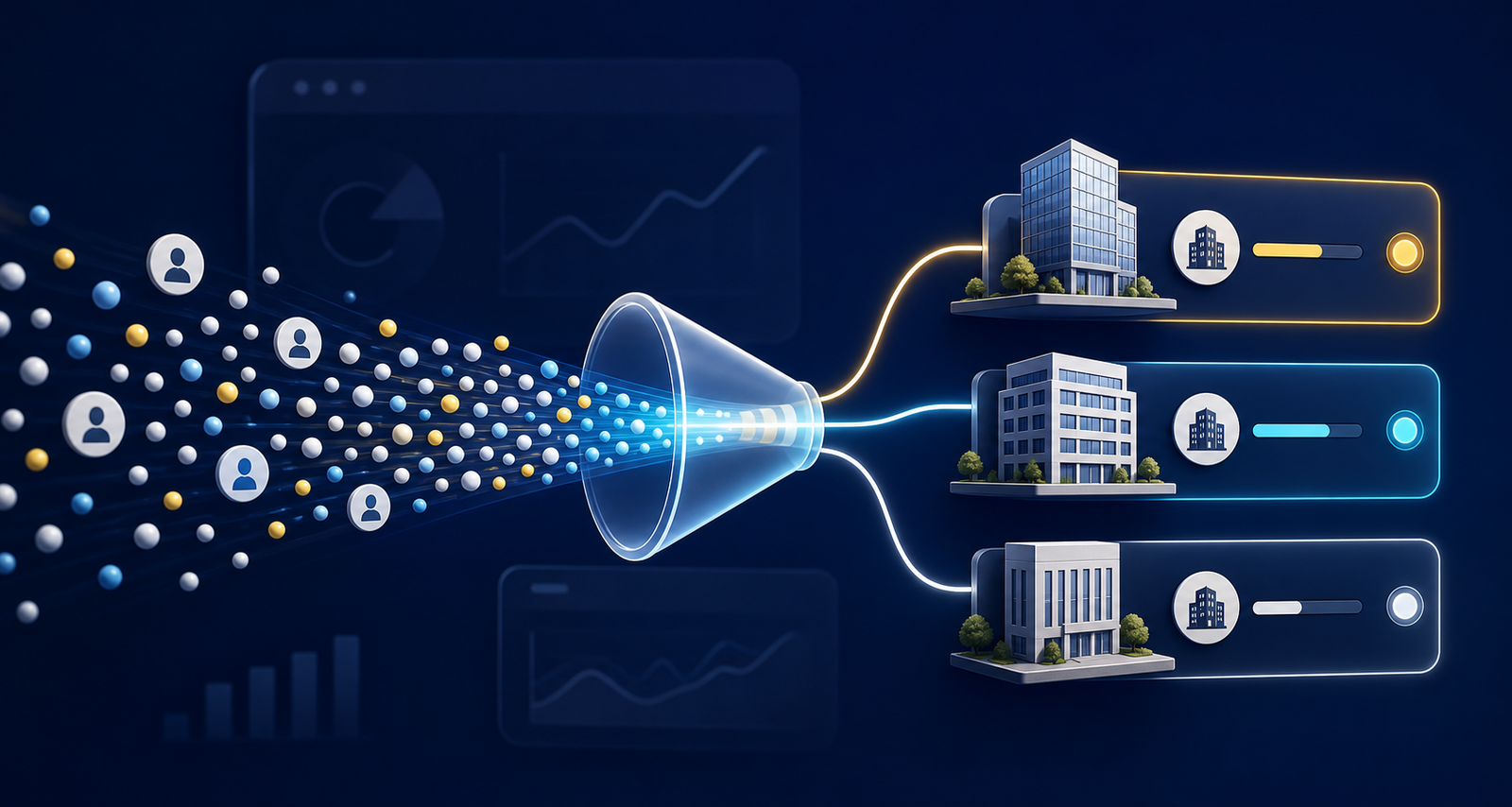
Most B2B visitors leave without booking a demo, downloading a guide or completing a contact form. Standard analytics can tell you that somebody viewed your pricing page, but not necessarily which business was researching you. Website visitor identification software is designed to close part of that gap by matching visits to companies and showing what those accounts looked at.
That makes it useful for sales teams, account-based marketing and demand generation—but only when the data leads to relevant action. This guide explains how to identify companies visiting your website, what Leadfeeder does, which signals deserve attention and how to avoid turning useful intent data into badly timed cold outreach.
Can you really identify anonymous website visitors?
You can often identify the company behind a B2B website visit, but you generally cannot identify the exact individual unless that person has self-identified through a form, sign-up or connected email campaign. That distinction matters. A company match tells you an account may be researching a problem; it does not prove that a named employee visited or wants a sales call.
Leadfeeder's Web Visitors product uses a tracking script, IP-based recognition, private company data and machine learning to associate visits with organisations. Its own documentation explains that the visitor's internet connection determines whether a company can be matched. The result is company-level website visitor data enriched with information such as industry, location and company size, alongside the pages viewed and visit history.
Leadfeeder says it can identify up to 45% of B2B visitors at company level. Treat that as a vendor claim rather than a guaranteed match rate: results will vary with your audience, geography, traffic mix, remote working patterns and network setup.
What Leadfeeder shows you
Leadfeeder is B2B website visitor identification software built to make anonymous traffic more useful to sales and marketing teams. Its current feature set includes:
- Company identification: see which organisations visited, including visits that never produced a form submission.
- Behavioural context: review pages viewed, return visits, traffic source and engagement to understand likely interests.
- Firmographic filters: separate target accounts from internet service providers, very small businesses, unsuitable regions or other low-fit traffic.
- Custom feeds and alerts: create segments such as target companies viewing pricing pages, then notify the appropriate salesperson.
- Intent scoring: prioritise companies using signals including the quality of actions, active days and number of visitors from the account.
- CRM workflows: match identified companies with CRM accounts and push visit information into the tools sales teams already use.
- Contact research: look for relevant decision-makers after an account has been qualified, rather than guessing who visited.
The value is not simply a longer lead list. It is the ability to see that a suitable company returned three times, compared a product page with pricing and read an implementation guide—signals that are more useful than a single visit to a general blog post.
The best buying-intent signals to track
A company name alone is weak intent. Build your process around combinations of fit and behaviour.
Commercial page visits
Pricing, product, integration, comparison, security and implementation pages usually sit closer to a buying decision than broad educational content. One visit is interesting; several related views from the same account are more persuasive.
Frequency and recency
A company that returns across several days may be comparing options internally. Prioritise recent activity and repeated research rather than treating an old visit as a permanently warm lead.
Multiple people from one account
Several visitors from the same company can suggest a buying group is forming. Leadfeeder's current Intent Score considers unique visitors alongside actions and active days, although the score should support—not replace—your qualification rules.
Ideal-customer fit
Industry, headcount, location and existing CRM status help determine whether the account is commercially relevant. A high-engagement visit from a poor-fit company may still be less valuable than moderate intent from a named target account.
A practical Leadfeeder workflow for sales teams
- Define your ideal customer profile. Agree the industries, locations, company sizes and use cases that sales should pursue before opening the feed.
- Install the tracker and check data quality. Confirm the script works across important pages, then review the first one or two weeks for obvious noise and mismatches.
- Create high-intent page groups. Group URLs for pricing, product capabilities, integrations, case studies and buying guides so similar behaviour is easy to spot.
- Build focused custom feeds. A useful feed might require an ICP match plus two visits plus a commercial page view. Exclude existing customers, suppliers and irrelevant regions where appropriate.
- Connect your CRM. Match visits to existing accounts so representatives can see returning opportunities, active customers and new prospects in context.
- Route alerts to an owner. Decide exactly who receives each signal and what response time is reasonable. Alerts without ownership quickly become background noise.
- Personalise around the account's problem. Use observed topics to improve research and messaging, but never claim you know which individual browsed a page.
- Measure revenue outcomes. Track qualified accounts, meetings, opportunities and pipeline influenced—not just the number of companies identified.
How to contact an identified company without sounding intrusive
Bad outreach says, “I saw you visited our pricing page yesterday.” Good outreach uses the signal quietly: research the organisation, find a relevant role, identify a plausible business problem and offer something useful.
For example, if a logistics company reads pages about CRM integration and implementation, a salesperson could send the operations lead a short integration checklist. The visit informs the topic and timing, but the message stands on its own. For an existing opportunity, the account owner might instead ask whether the buying team needs technical answers. For an existing customer, the same activity may be a support, expansion or churn-risk signal rather than a new lead.
Leadfeeder limitations to understand before buying
No B2B visitor tracking tool identifies every visit, and a company match can occasionally be incomplete or wrong because of shared networks, VPNs, mobile traffic and imperfect company data. Independent reviews on G2 and Capterra commonly praise Leadfeeder's usability, page-level insights and CRM connections, while some reviewers report inconsistent identification or incomplete data for smaller companies.
Leadfeeder is therefore most useful as a prioritisation layer, not a source of unquestionable truth. Salespeople should verify the account and contact, check CRM history and use normal qualification before outreach.
It may be a poor fit if your site receives very little B2B traffic, most buyers are consumers, nobody owns follow-up, or the average deal value cannot justify another sales tool. In those cases, improving traffic quality, conversion pages and form capture may produce a better return first.
Privacy and responsible use
Leadfeeder says its default tracking is company-level and that individual tracking happens only when enabled and connected to a self-identifying action such as a form or email click. That does not remove the website owner's responsibilities. Tracking technologies, IP data, contact enrichment and outbound communication can engage privacy, cookie and direct-marketing rules.
Review your cookie banner, privacy notice, consent settings, retention policy and lawful basis with appropriate legal or privacy advice for every region you serve. In the UK, the Information Commissioner's Office advises organisations to explain analytics technologies clearly and obtain consent where required. Configure the tool around your policy rather than treating a vendor compliance statement as a substitute for your own assessment.
Is Leadfeeder worth it?
Leadfeeder is worth testing when you sell to businesses, attract a steady flow of relevant traffic and have a sales process capable of acting on account intent. It is particularly suited to account-based marketing, long B2B buying cycles, high-value services and teams already using a CRM.
Run the trial with a written success measure. Compare the number of qualified accounts discovered, meetings created, opportunities influenced and salesperson time required. A useful tool should improve prioritisation and pipeline—not merely produce an impressive dashboard.
If you want a broader overview before testing, read our earlier introduction to Leadfeeder for business growth. Then start with one high-intent feed and a small group of sales users, refine the rules and expand only after the signals prove useful.
Sources and further reading
- Leadfeeder Web Visitors product overview
- How Leadfeeder identifies companies
- Leadfeeder Intent Score documentation
- Independent Leadfeeder user reviews on G2
- ICO guidance on cookies and similar technologies
Frequently asked questions
Can Leadfeeder identify the exact person visiting my website?
Leadfeeder normally identifies the company behind a visit, not the individual. A person may be connected only when they self-identify through mechanisms such as a form submission or supported email integration.
How does Leadfeeder identify companies visiting a website?
Leadfeeder uses its website tracking script, IP-based company recognition, private databases and machine learning to associate eligible visits with organisations and add company-level context.
Does Leadfeeder work for remote employees?
Leadfeeder says it can identify some company visits made through company VPNs and other network signals, but no tool will match every remote or mobile visit. Actual identification rates vary by traffic mix and network setup.
Is Leadfeeder GDPR compliant?
Leadfeeder describes its company-level data processing as aligned with GDPR, but each website owner remains responsible for its own implementation, disclosures, consent choices, lawful basis and regional privacy obligations.
What is the best way to test Leadfeeder?
Define your ideal customer profile and high-intent pages first, then measure qualified accounts, meetings and pipeline during the trial. Do not judge the test only by the total number of companies identified.