
Self-storage operations · 19 Sept 2026 · 14 min read
Self-Storage Missed-Call Audit: Turn After-Hours Enquiries into Unit Rentals
Audit missed calls at your self-storage facility, build a safe after-hours routing workflow and test an AI receptionist without risking tenant access or service quality.
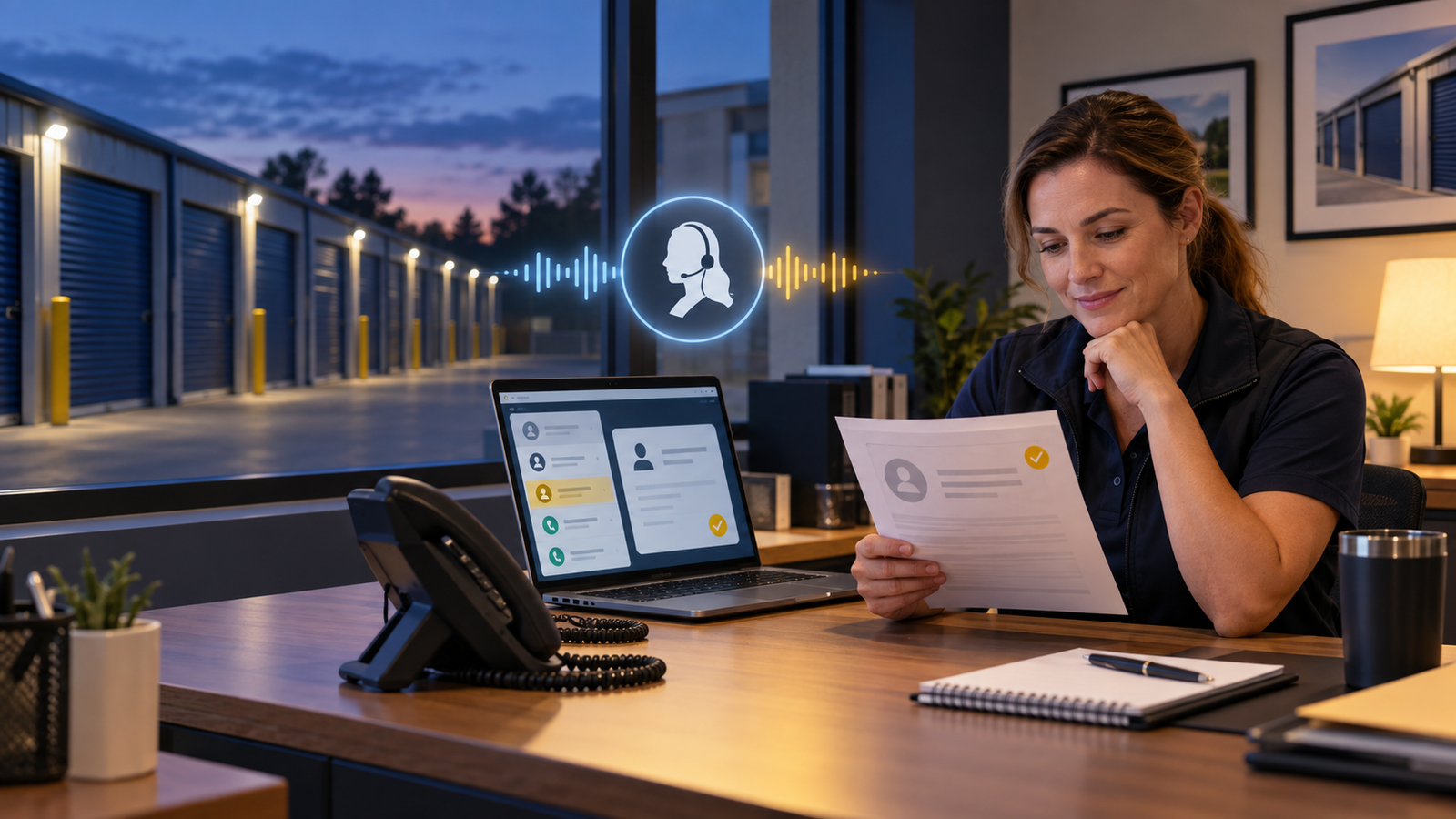
A prospective renter calls at 7:15pm while comparing three nearby storage facilities. One facility answers, explains the difference between a 50-square-foot and 100-square-foot unit, records the move-in date and sends the next step. Another sends the caller to voicemail. Even if the second facility has the better price, it may never enter the decision.
That is the overlooked operational problem behind searches for a self-storage answering service, after-hours call handling and an AI receptionist for a storage facility. The goal is not to put artificial intelligence on every conversation. It is to identify which missed calls could have become rentals, which tenant calls need a controlled answer, and which situations must reach a person immediately.
This guide gives independent operators and multi-site teams a practical missed-call audit, a storage-specific routing matrix and a low-risk way to test Botphonic using an existing number and approved business rules.
Affiliate disclosure: Tooloola may receive a commission if you purchase through the Botphonic links in this guide. That does not change the price you pay or our recommendation to test the workflow against real calls before deployment.
Why target self-storage missed calls?
Self-storage has a useful combination of local search demand, high-intent phone enquiries and repeatable questions. A Twilio case study about storEDGE reported that phone calls accounted for 90% of leads in the programme it described. That figure should not be treated as a universal benchmark for every operator, but it shows why the phone remains commercially important even when online rental is available.
The search landscape also creates a realistic editorial opening. Broad phrases such as “AI receptionist” are crowded. More operational searches—missed storage calls, after-hours rental enquiries, gate-access routing and self-storage call audits—are served mainly by vendor landing pages. A genuinely useful workflow can satisfy the operator's question without trying to outrank giant software lists on their strongest terms.
The article also complements Tooloola's guide to getting more Google reviews for a self-storage facility. The first article helps the facility capture and serve the renter; the review workflow helps turn a good experience into local proof.
Start with a seven-day missed-call audit
Do not buy software based only on the total number of missed calls shown by a handset. Pull seven to fourteen representative days from your phone system and classify each unanswered, abandoned and voicemail call. If the business is seasonal, repeat the exercise during a busy moving period.
For each call, record:
- date, time and facility number called;
- whether the call arrived during office hours, overflow or after hours;
- whether the caller left a message;
- new prospect, existing tenant, supplier, sales call or unknown;
- the reason for the call;
- time until a staff member responded;
- whether the enquiry became a reservation, rental, resolved service request or lost opportunity;
- whether the call contained sensitive access, payment or account information.
The useful number is not “calls missed”. It is actionable calls missed: conversations where an immediate approved response, structured intake or safe transfer could have improved the outcome.
Classify calls before you automate them
| Call type | Safe first action | Human boundary |
|---|---|---|
| New rental enquiry | Capture location, unit need, move date and contact details; explain approved options | Transfer unusual commercial, vehicle or high-value requirements |
| Unit availability or price | Read only from a live integration or a tightly controlled approved source | Never invent availability, discounts or a final price |
| Viewing or callback | Offer approved slots or create a prioritised follow-up task | Escalate accessibility or complex site requirements |
| Gate or access problem | Collect identity and situation using the operator's verification policy | Do not reveal or reset credentials unless the verified workflow explicitly permits it |
| Billing, late fee or dispute | Capture the issue and account reference securely | Route waivers, disputes, hardship and collection matters to authorised staff |
| Safety or security incident | Follow a fixed emergency message and escalation tree | Immediate human or emergency-service route; no improvisation |
| Move-out or notice | Explain the approved process and record the requested date | Staff confirm contractual effect, balance and final obligations |
This separation matters. A system that is excellent at collecting a new lead may still be unsuitable for disclosing gate information or interpreting a rental agreement. Automation should follow authority, not just conversational ability.
An after-hours rental enquiry script
A good script is short enough for a caller who is comparing facilities, but structured enough to give the morning team a usable lead. Ask only what is needed for the next action.
- Confirm the facility. Ask which location the caller needs.
- Understand the use. Household move, business inventory, student storage, vehicle storage or another approved category.
- Estimate the requirement. Ask what is being stored or which unit size the caller has in mind. Describe size examples without guaranteeing suitability.
- Record timing. Intended move-in date and expected rental duration.
- Capture essential preferences. Climate control, ground-floor access, lift access, drive-up unit or extended access where those options exist.
- Give an approved next step. Reserve, book a viewing, send a secure rental link, or arrange a priority callback.
- Confirm contact details. Repeat the name, phone number and email address, then state what will happen next.
If live inventory is not connected, say so plainly: “I can record your preferred unit and ask the facility team to confirm availability.” A confident but stale answer is worse than a well-managed hand-off.
Test the workflow on your real call types
Botphonic currently promotes 24/7 inbound answering, lead qualification, calendar and CRM actions, warm transfers, call summaries and multilingual conversations. Build a small pilot around your approved storage script before expanding its authority.
Start a Botphonic trial Affiliate link. Product features and pricing can change; verify the current plan before subscribing.Where Botphonic fits—and where it does not
Botphonic is a general AI voice platform rather than a self-storage property-management system. Its official site says it can answer inbound calls, run outbound follow-up, qualify leads, book appointments, transfer to a person, send post-call messages and update connected CRM records. Those capabilities make it a plausible call layer for a storage operator.
Do not assume a direct connection to your storage software merely because Botphonic supports APIs, Zapier and mainstream CRM tools. Ask the vendor to demonstrate the exact data path you need. If inventory, rates or account status cannot be read reliably, keep the first deployment at capture-and-handoff level.
Good first use
Overflow and after-hours answering, approved FAQs, new-renter qualification, summaries, notifications and warm transfers.
Needs verified data
Live unit availability, facility-specific pricing, discounts, reservations and personalised account answers.
Needs strict identity checks
Gate access, lockouts, payment balances, account changes and any disclosure about a tenant or unit.
Keep human-led
Emergencies, security incidents, disputes, lien or auction matters, contractual interpretation and vulnerable callers.
Three deployment levels
Level 1: answer, classify and notify
The receptionist answers after hours or when staff do not pick up, identifies the call type, collects a minimal record and sends a summary to the correct person. It makes no promises about inventory or account status. This is the safest starting point and gives you transcripts to improve the script.
Level 2: qualify and schedule
Add approved facility facts, size guidance, service-area rules and a calendar for viewings or callbacks. The caller receives a confirmation by SMS or email. Staff still confirm the unit, rate and rental agreement.
Level 3: integrate and complete actions
Only after accuracy is proven should you connect live inventory, CRM or property-management data and allow reservations or other account actions. Use role-based access, audit logs and test accounts. Document what happens if an integration is slow, unavailable or returns conflicting information.
Protect tenants and the facility
Never treat a phone number as identity
Caller ID can be unavailable or misleading. Create a written verification standard for any account-level information. Decide which questions are acceptable, which actions require a one-time code or staff approval, and which information is never spoken by the automated system.
Separate advice from information
The receptionist may explain office hours, access rules and the documented move-out process. It should not interpret a lease, decide a billing dispute, promise insurance coverage or advise a caller during a security incident beyond the operator's approved emergency wording.
Minimise retained data
Call recordings, transcripts and summaries can contain personal information. Define a lawful purpose, access permissions, retention period and deletion process appropriate to your locations. Tell callers about recording or AI use where required, and obtain appropriate consent for outbound marketing or follow-up.
Make human escape obvious
A caller should be able to request a person. Frustration, repeated misunderstanding, safety language and sensitive account matters should trigger a transfer or urgent callback according to the rota.
Calculate the opportunity without inflated ROI claims
Use your own call log rather than a vendor's generic “missed revenue” calculator:
- Count actionable missed new-renter calls in a normal month.
- Multiply by your measured contact-to-rental rate, not an industry headline.
- Multiply expected rentals by your contribution margin over a conservative retained period.
- Subtract software, telephony, setup, integration and staff-review costs.
- Track actual incremental rentals using call source, summary and reservation outcome.
Keep service calls separate from sales calls. Faster resolution may protect retention and reviews, but it should not be counted as a new rental unless the data supports that conclusion.
A 14-day pilot plan
- Days 1–2: baselineTag missed calls and choose one facility or one after-hours window. Record current response time and outcomes.
- Days 3–4: build rulesLoad approved facility facts, the rental-intake script, prohibited claims, transfer numbers and emergency language.
- Days 5–6: pressure-testCall as a new renter, existing tenant, locked-out caller, price shopper, angry customer, wrong number and safety incident.
- Days 7–10: controlled launchUse overflow or a narrow after-hours window. Review every transcript and next action the following morning.
- Days 11–14: compareMeasure answered calls, usable leads, transfers, response time, booked next steps, errors and caller complaints against the baseline.
Pause the pilot if the system discloses protected information, invents a price, misses safety language or creates duplicate or conflicting bookings. These are control failures, not cosmetic script issues.
Questions to ask before subscribing
- Can we keep and forward our current facility number?
- How are recordings, transcripts and personal data stored and deleted?
- Can different locations have separate knowledge, hours and escalation rules?
- What happens when the calendar, CRM or API is unavailable?
- Can the agent warm-transfer with a summary before connecting the caller?
- How do we suppress spam and sales calls without blocking genuine renters?
- Which actions are logged, and can managers audit changes to the script?
- What telephony and usage charges sit outside the advertised subscription?
Tooloola verdict
Self-storage is a strong industry target because the missed-call problem is measurable, the enquiries are often high intent, and many questions follow repeatable patterns. The lower-competition opportunity is not a generic claim that AI replaces the facility manager. It is a detailed workflow for capturing after-hours rental demand while protecting tenant access and preserving a clear human boundary.
Botphonic is worth testing when calls regularly roll to voicemail, staff cannot answer while away from the desk, or several locations need consistent intake and routing. Start with answering, qualification and summaries. Add live data and account actions only when the integration and verification process have been demonstrated under failure conditions.
For a related service-industry implementation, see our guide to an AI receptionist for pest control companies. To strengthen conversion after the renter moves in, use the self-storage review-request workflow.
Run a controlled after-hours test
Use one facility, one phone window and a narrow set of approved actions. Compare real outcomes before expanding.
Explore Botphonic Affiliate link. Verify current functionality, pricing, privacy terms and integrations directly with Botphonic.Research sources
- Botphonic official product overview, integrations and current trial information.
- Botphonic official AI phone-call feature overview.
- Twilio case study on storEDGE self-storage call tracking.
- Invoca consumer-services call conversion benchmark report.
Frequently asked questions
What is a self-storage missed-call audit?
It is a review of unanswered, abandoned and voicemail calls by time, caller type, reason, response delay and outcome. The goal is to distinguish actionable rental or service calls from spam and calls that still require a person.
Can an AI receptionist rent a storage unit?
It can collect the enquiry and, with a proven live integration and approved rules, may support a reservation or secure rental step. Without reliable inventory and pricing data, it should capture preferences and ask staff to confirm availability and terms.
Should an AI receptionist give out gate codes?
Not by default. Gate credentials and account access require a written identity-verification policy, limited permissions and audit logs. Many operators should route these requests to authorised staff instead.
What should an after-hours storage script ask?
A concise script should confirm the location, intended use, approximate unit requirement, move-in date, key access preferences and contact details, then provide an approved next step such as a viewing, reservation request or priority callback.
Can Botphonic use an existing business number?
Botphonic says it supports SIP connections and call handling with providers such as Twilio, Telnyx and Plivo. Confirm the exact forwarding or number-retention setup with Botphonic and your current carrier before changing live routing.
How should a storage facility test an AI receptionist?
Begin with one location or after-hours window, use a narrow set of approved actions, test normal and difficult scenarios, review every transcript, and compare usable leads, transfers, errors and outcomes with the previous baseline.
Does Botphonic integrate with self-storage management software?
Botphonic promotes APIs, Zapier and CRM integrations, but that does not prove a direct connection to every storage platform. Ask for a demonstration using your exact property-management system and required fields before allowing live inventory or account actions.