
B2B event marketing · 7 Oct 2026 · 14 min read
LinkedIn Event Follow-Up for B2B Webinar Hosts: A Practical Kanbox Workflow
Turn B2B webinar interest into organised follow-up with a segmented LinkedIn event workflow, practical message templates, compliance checks and Kanbox.
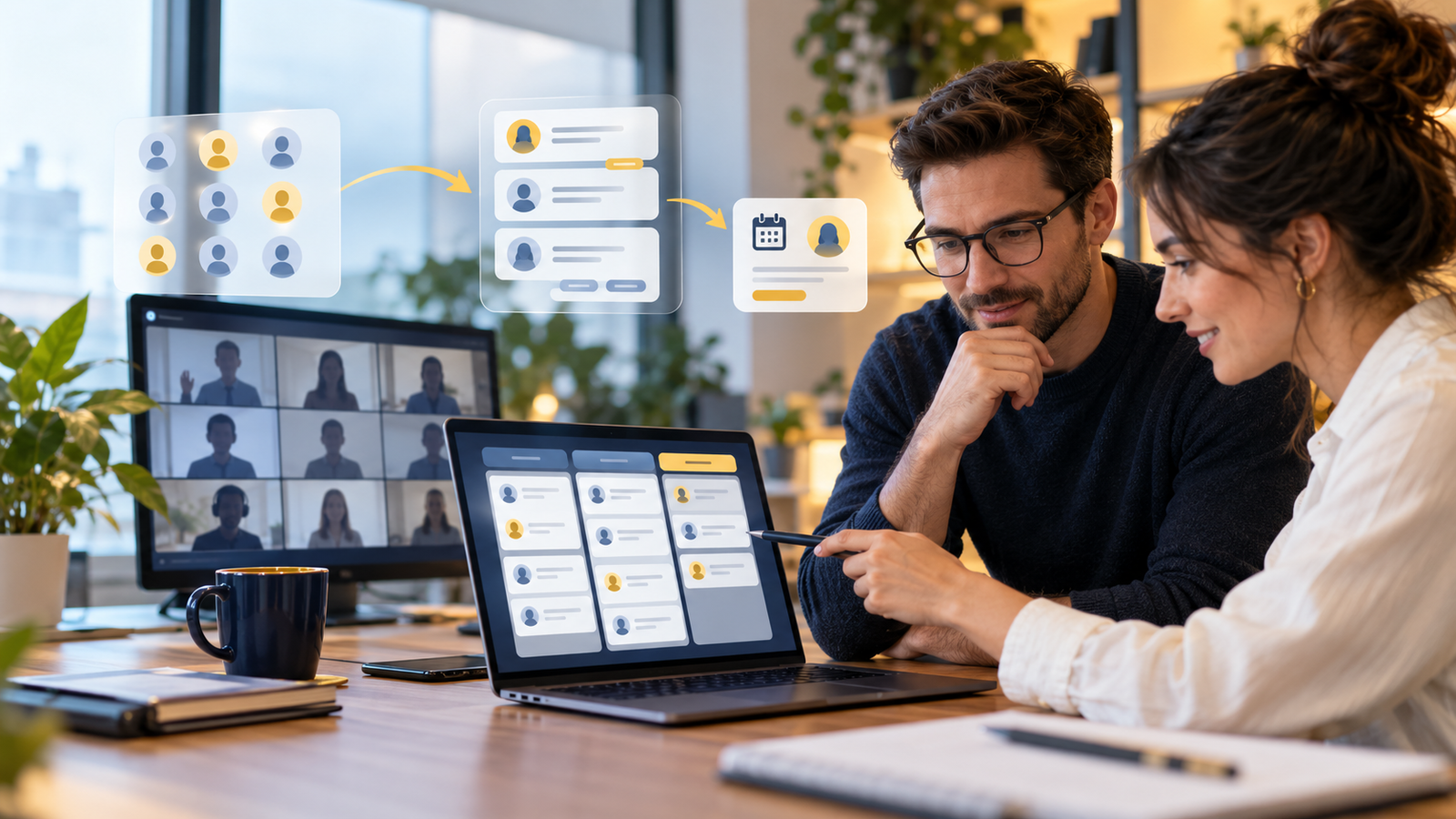
A B2B webinar can generate hundreds of registrations and still produce almost no pipeline. The event ends, the organiser emails the recording, sales receives an unfiltered spreadsheet and everybody who clicked “Attend” gets the same generic follow-up. The people with an active problem disappear among students, vendors, jobseekers, competitors and no-shows.
The missed opportunity is not simply a lack of automation. It is the absence of a LinkedIn event follow-up workflow: one that separates signals, qualifies the right people, assigns replies and gives each prospect a relevant next step.
This guide is for B2B webinar hosts, specialist marketing agencies and small revenue teams that use LinkedIn Events to build an audience. It explains where Kanbox can help, where human judgement must remain, and how to avoid turning a useful event into a spam campaign.
Affiliate disclosure: Tooloola may receive a commission if you subscribe through the Kanbox links in this article. That does not affect the price you pay or our recommendation to check LinkedIn’s current rules before using any third-party automation.
Why webinar hosts are the right Kanbox audience
Kanbox combines several tasks that otherwise sit in separate browser tabs: importing leads from LinkedIn surfaces, organising them in a pipeline, filtering and deduplicating records, managing conversations, creating message templates and collaborating across accounts. Its current pricing page specifically lists imports from LinkedIn event attendees and contributors to LinkedIn posts.
That combination is particularly relevant to webinar teams. An event creates a time-limited concentration of people around one topic. The organiser already knows the session theme, speaker, registration source and date. Those details create a better basis for segmentation than a cold list built only from job titles.
The organic-search opportunity is also more focused than “best LinkedIn automation software”. Current results for event attendee outreach are dominated by tool vendors explaining extraction mechanics. Fewer pages show webinar organisers how to reconcile first-party registration data, attendance, engagement and sales ownership before a message is sent.
Do not treat every event response as the same signal
| Person | What you actually know | Sensible next step |
|---|---|---|
| Registered through your form | They submitted the stated fields and saw your privacy information | Send the promised event communication; qualify further before sales outreach |
| Clicked Attend on LinkedIn | They showed public interest in the event topic | Check fit and relationship; do not assume marketing consent |
| Attended live | They spent some time in the session | Follow up around the content or question they engaged with |
| Asked a question | They revealed a specific concern or use case | Answer the question first, then offer a relevant conversation |
| Registered but did not attend | The topic interested them, but attendance failed | Offer the recording or summary without pretending they were present |
| Speaker, sponsor or partner | They have a commercial or delivery relationship with the event | Use a separate partner workflow, not the attendee sales sequence |
| Visible attendee of somebody else's event | You share topic context, but have no first-party registration relationship | Use extreme restraint and check platform, privacy and outreach rules |
The most important distinction is between data you collected as the organiser and profiles visible through the platform. A visible name is not a blanket invitation to extract, enrich or contact that person.
A necessary LinkedIn automation warning
LinkedIn’s official help pages say the platform does not permit third-party software that scrapes data or automates activity on its website. Its User Agreement also prohibits unauthorised scraping, automated contact actions and automated messaging. LinkedIn says violations can lead to account restrictions or shutdown.
Kanbox publishes its own daily limits and safety guidance, but staying below a vendor’s recommended quota does not make an activity authorised by LinkedIn. The two statements are not equivalent. Any team considering Kanbox should review LinkedIn’s current agreement, its own legal obligations and the risk to the account before connecting it.
A conservative operator can still use the workflow principles in this guide with first-party event data, manual review, an authorised CRM and LinkedIn’s native features. Where Kanbox is used, keep volumes low, avoid indiscriminate extraction and never rely on “human-like behaviour” as a substitute for permission.
The event-to-pipeline workflow
- Define the conversion eventDecide whether success means a content reply, a qualified conversation, a diagnostic call, a trial or another concrete next step.
- Reconcile the source listsBring together your registration form, webinar attendance report, questions, polls and approved LinkedIn event data. Preserve the source of every record.
- Remove exclusionsSuppress staff, speakers, existing customers, partners, competitors, jobseekers, previous opt-outs and people outside the intended market.
- Score fit and intent separatelyA perfect job title who did not attend is different from a weaker-fit prospect who asked a detailed buying question.
- Assign one ownerRoute each qualified record to a named person and show the next action, due date and conversation history.
- Use the lightest suitable follow-upAnswer a question, share the promised resource or ask one relevant question before requesting a meeting.
- Stop appropriatelyEnd the sequence after a reply, opt-out, negative signal, role mismatch or reasonable attempt limit.
How to structure the pipeline in Kanbox
Kanbox describes a Kanban-style lead pipeline with tags, filters, custom stages and duplicate handling. For webinars, avoid using vague stages such as “New”, “Contacted” and “Won” alone. Build stages that show what the event team must do next:
Unreviewed event response
Imported or added, but not yet checked for audience fit, source, prior relationship or suppression.
Qualified for content follow-up
Relevant person who should receive the promised recording, summary, checklist or answer.
Conversation signal
Asked a question, replied, visited a relevant asset or requested help. A human owner is assigned.
Meeting appropriate
Problem, role, timing and interest justify a specific call-to-action rather than another generic message.
Nurture later
Good fit without current intent. Move to an approved longer-term content route.
Exclude or suppress
Opt-out, wrong role, competitor, vendor, duplicate, invalid record or another documented exclusion.
Use tags for event name, date, session, acquisition source, attendee status, ICP segment and question topic. Keep lifecycle status in the pipeline rather than turning dozens of tags into a second, unreadable CRM.
Build a cleaner event follow-up pipeline
Kanbox currently advertises event-attendee imports, filtering, deduplication, pipelines, templates, campaign sequences and multi-account team management. Test the workflow on one event and review every message before expanding it.
Explore Kanbox Affiliate link. Check the current feature plan and LinkedIn’s current rules before connecting an account.Segment by relevance, not just attendance
Priority 1: explicit questions and hand-raisers
Start with people who asked a substantive question, requested a resource or indicated a current project. The follow-up should answer what they raised. Do not hide the answer behind a compulsory sales call.
Priority 2: strong ICP fit and live attendance
Reference the session topic and ask one diagnostic question related to their role. Do not claim to know exactly how long they watched unless your first-party webinar report genuinely provides that data and its use is covered by your privacy information.
Priority 3: registrants and no-shows
Send a useful recap or recording. A no-show message should say “Sorry we missed you” or simply offer the replay—not “Thanks for joining”. Accuracy is part of personalisation.
Priority 4: visible attendees without a direct relationship
Being present on an event list is a weak permission signal. Before any outreach, confirm relevance, platform rules and the lawful basis that applies in your jurisdiction. Often the better choice is to engage with the event discussion or publish a useful related post rather than exporting the list.
Four follow-up templates that do not pretend to be personal
For a live attendee
Hi [First name]—thanks for joining our session on [topic]. The short framework on [specific section] is here: [link]. Which part is most relevant to what your team is working on?
For a question-asker
Hi [First name]—you asked about [question] during [event]. The concise answer is [one useful sentence]. I have also linked the example we mentioned: [link]. If useful, I can explain how we would apply it in [their context].
For a no-show
Hi [First name]—you registered for [event], so I wanted to send the replay in case the timing did not work: [link]. The section on [topic] starts at [timestamp]. No need to reply unless you want the worksheet.
For a qualified meeting invitation
Hi [First name]—based on your question about [problem], a short working session may be more useful than another resource. We could map [specific outcome] in 20 minutes. Would that help, or would you prefer the written checklist?
These are starting structures, not mail-merge scripts. Remove any statement that your data cannot support. Referencing an event name alone is not meaningful personalisation.
A practical timing plan
Do not create urgency by implying that a recording or offer will disappear when it will not. The natural urgency is already present: the topic is fresh and the attendee can remember why it mattered.
How agencies should manage multiple client events
Kanbox promotes multi-account management for agencies and sales teams. That may appeal to webinar agencies running follow-up for several clients, but it also increases the cost of a mistake. Use a separate approved workspace, message library, suppression list and owner map for every client.
Before a client campaign goes live, document:
- which account and identity will communicate;
- where each contact record came from;
- which organisation is responsible for the data and outreach;
- the permitted audience, territories and exclusions;
- who approves templates and personalisation fields;
- who handles replies, objections and data-rights requests;
- how the client receives conversation history and qualified outcomes;
- what happens when the contract ends.
Never reuse one client’s attendee data for another client, even if both sell to the same job titles.
Metrics that reveal whether the workflow is working
Connection acceptance and reply rate can be useful diagnostics, but they are not the commercial outcome. Report the funnel from source to qualified action:
- registrations by source and target-account fit;
- live attendees, no-shows and meaningful engagement;
- records reviewed, suppressed and qualified;
- positive, neutral, negative and opt-out responses;
- questions answered and resources delivered;
- qualified conversations and meetings held;
- opportunities influenced, with an honest attribution method;
- complaints, account warnings, data errors and policy incidents.
A campaign that books meetings but produces account restrictions or damages the organiser’s reputation is not successful.
A low-risk Kanbox evaluation
- Choose one event you organised and one clearly defined audience segment.
- Use first-party registration and attendance data as the source of truth.
- Import only the small qualified group needed for the test.
- Create the six pipeline stages above and document every exclusion.
- Draft separate messages for attendees, question-askers and no-shows.
- Require human approval before any message is sent.
- Review replies daily and stop sequences immediately when context changes.
- Compare qualified conversations and complaints with your previous manual process.
This test evaluates Kanbox’s organisational value without making high-volume automation the experiment. If the pipeline, inbox and hand-off do not improve at small scale, adding more actions will not solve the underlying problem.
Is Kanbox a good fit for your webinar workflow?
Kanbox is most relevant when your team repeatedly hosts or supports B2B events, follow-up is split across spreadsheets and personal inboxes, leads are duplicated, replies have no owner, or an agency needs consistent visibility across several approved accounts.
It is less compelling when events are occasional, the attendee list is small, follow-up already lives cleanly in a CRM, or the organisation cannot accept the platform-policy risk of third-party LinkedIn tools. In those cases, a manual process using first-party registration data may be both sufficient and safer.
For broader B2B research, see Tooloola’s guide to voice-of-customer research for B2B SaaS marketers. Agencies building a content workflow may also find the social-media approval workflow useful.
Test Kanbox on one controlled event
Start with your own registration data, a tightly qualified segment and human-approved messages. Measure conversations rather than activity volume.
Visit Kanbox Affiliate link. Verify pricing, features, data handling and platform compatibility directly with Kanbox.Research sources
- Kanbox official product overview.
- Kanbox current plan and feature comparison.
- Kanbox product documentation.
- LinkedIn policy on prohibited software and extensions.
- LinkedIn User Agreement.
- LinkedIn Marketing Solutions event workflow guidance.
Frequently asked questions
Who should use Kanbox for webinar follow-up?
It is most relevant to B2B webinar hosts, small revenue teams and specialist agencies that run events frequently and need a shared process for qualifying records, assigning replies and tracking next actions.
Can Kanbox import LinkedIn event attendees?
Kanbox's current pricing information lists imports from LinkedIn event attendees. Availability can depend on the selected plan and the visibility of the source, so verify the current product limits before subscribing.
Does attending a LinkedIn event give consent for sales messages?
No. Event interest is a topic signal, not automatic consent to every form of marketing. Consider the registration notice, relationship, jurisdiction, outreach channel, platform rules and the person's reasonable expectations.
Does LinkedIn allow third-party automation tools?
LinkedIn's official help pages say it does not permit third-party software that scrapes data or automates activity on the platform. LinkedIn warns that accounts using prohibited tools may be restricted or shut down.
How should webinar attendees be segmented?
At minimum, separate live attendees, question-askers, registrants who did not attend, partners, existing customers, strong ICP matches and excluded records. Fit and intent should be scored separately.
When should webinar follow-up happen?
Answer questions and deliver promised resources within about one business day. Use the following week for carefully qualified conversations, then stop or move suitable contacts into an approved nurture process.
What should a webinar team measure?
Measure qualified records, meaningful replies, questions answered, meetings held, opportunities influenced, opt-outs, complaints, account warnings and data errors. Activity volume alone does not show commercial success.