
Reputation management · 29 Jul 2026 · 9 min read
How to Get More Google Reviews for a Dental Practice
A patient-friendly review-request process for dental practices, including timing, messaging, automation and the mistakes that reduce response rates.
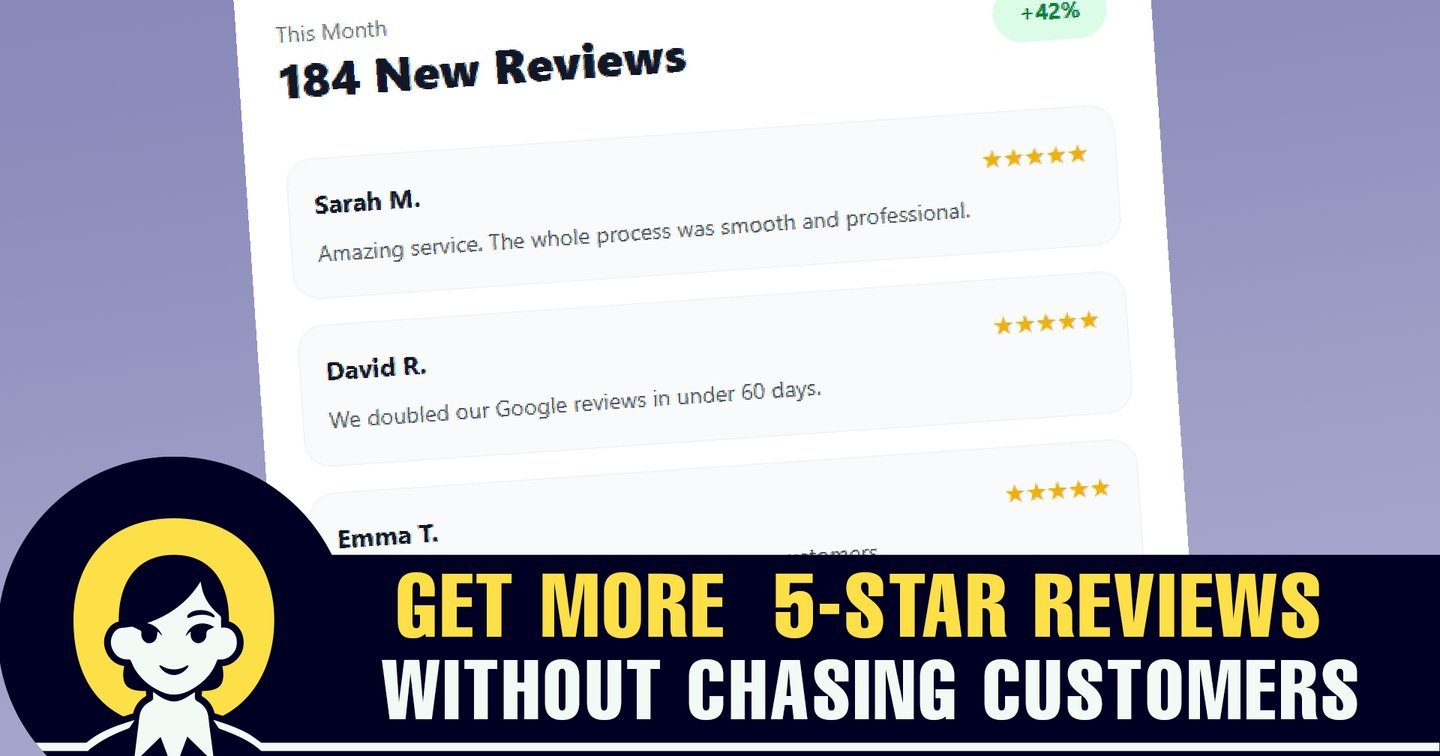
Dental practices often deliver excellent care but collect reviews inconsistently. Reception teams remember to ask on quiet days, clinicians feel uncomfortable mentioning it, and patients who intended to leave feedback forget once they return to work or family life.
The solution is a repeatable process that is easy for patients and does not depend on staff memory. The objective should be authentic feedback from genuine patients—not pressure, incentives or filtering designed to show only positive experiences.
Choose the right moment to ask
Request a review after a clear service milestone: a completed hygiene appointment, successful treatment review, cosmetic case completion or resolved emergency. Avoid asking while the patient is still anxious, numb, awaiting results or dealing with an unresolved billing concern.
For longer treatment plans, do not wait months for the final invoice if there is a natural positive checkpoint. Equally, do not trigger a request after every visit. Repetition makes the process feel automated in the wrong way.
Build a simple patient-review workflow
- Mark the appointment or treatment milestone complete.
- Send a short, personalised request by SMS or email.
- Link directly to the correct Google Business Profile review screen.
- Send one gentle reminder if the patient does not respond.
- Thank the patient and alert the team when feedback arrives.
- Respond professionally without revealing private treatment information.
Get More Reviews can automate personalised email and SMS requests, reminders and review monitoring. Its current product information also lists Google, Facebook, Yelp, TripAdvisor and other review destinations, which is useful for practices managing more than one location or reputation channel.
A review-request message that feels human
Keep the message recognisable and specific:
Thank you for visiting Riverside Dental today. If you have a moment, we would value your honest feedback about your experience. You can leave a Google review here: [link].
Avoid writing the review for the patient, suggesting exact wording or asking only happy patients to post publicly. Honest, representative feedback is more credible and creates useful information for the practice.
Make staff participation effortless
Automation works best when the patient record reaches it reliably. Decide which appointment statuses trigger a request, who can pause one, and how duplicate requests are prevented. Train staff to explain the process in one sentence: “We’ll send you a short feedback link later today if you’d like to share your experience.”
If the practice cannot integrate its dental software directly, start with a daily approved list or a simple bulk upload. Get More Reviews supports individual sending, CSV uploads and automation through connected workflows.
How multi-location dental groups should organise reviews
Send each patient to the location they actually visited. Maintain separate Google Business Profiles, templates and reporting for each practice. Central management is helpful, but local teams should still see new feedback and own the response.
Compare locations using request volume, delivery rate, click rate, completed reviews and response time—not rating alone. A branch cannot improve a process it cannot see.
Mistakes that reduce review volume
- Relying entirely on verbal requests.
- Sending a generic homepage instead of a direct review route.
- Waiting weeks after treatment.
- Sending several reminders in a short period.
- Failing to suppress patients who have already reviewed.
- Ignoring negative feedback or responding with confidential details.
- Using incentives that undermine trust or breach platform rules.
Measure the process, not just the star rating
Track eligible patients, requests sent, messages delivered, link clicks, reviews completed and team response time. This reveals whether the constraint is staff adoption, delivery, message wording or the final review step.
For practices selling elective or cosmetic treatments, see our guide to using reviews to support high-value patient acquisition.
Frequently asked questions
When should a dentist ask a patient for a Google review?
Ask shortly after a completed appointment or positive treatment milestone, while the experience is recent and any immediate concerns have been resolved.
Can a dental practice automate review requests?
Yes. A workflow can trigger personalised SMS or email requests and a gentle reminder after an eligible appointment, while suppressing duplicates and unsuitable cases.
Should the message ask for a five-star review?
It is better to request honest feedback. Reviews are more credible when patients choose their own rating and wording without pressure.
How should a dentist respond to a negative review?
Respond calmly, avoid confirming treatment details, invite the reviewer to continue the conversation privately and follow applicable professional and privacy obligations.